On your
real desk.
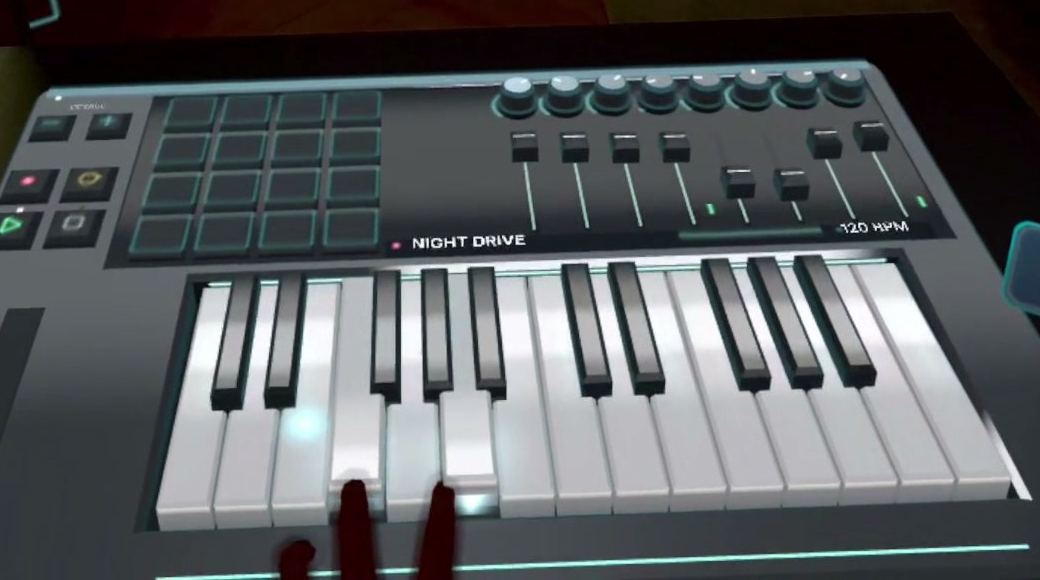
25 keys, 16 pads, 8 knobs and 8 faders land at the edge of your table. Pinch the handle to move the instrument wherever you like.
An instrument with keys, pads, knobs and faders lands on your real desk. Play it with your bare hands, record loops and talk to your AI partner, the Orb.
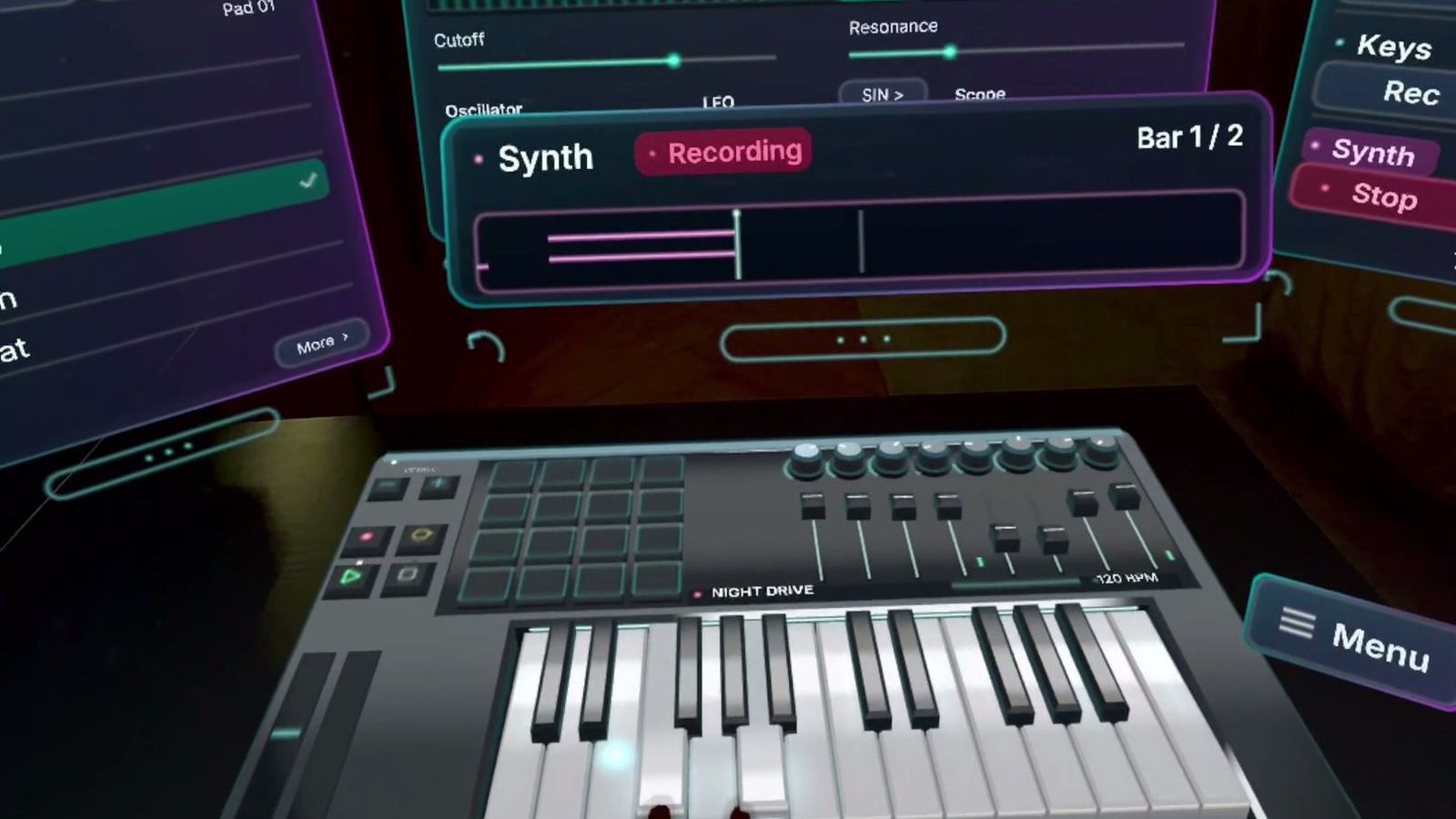
Captured in the headset during development.
Put on your Quest, sit down at a desk and start playing. No PC, no controllers, no MIDI keyboard, no Ableton.
25 keys, 16 pads, 8 knobs and 8 faders land at the edge of your table. Pinch the handle to move the instrument wherever you like.
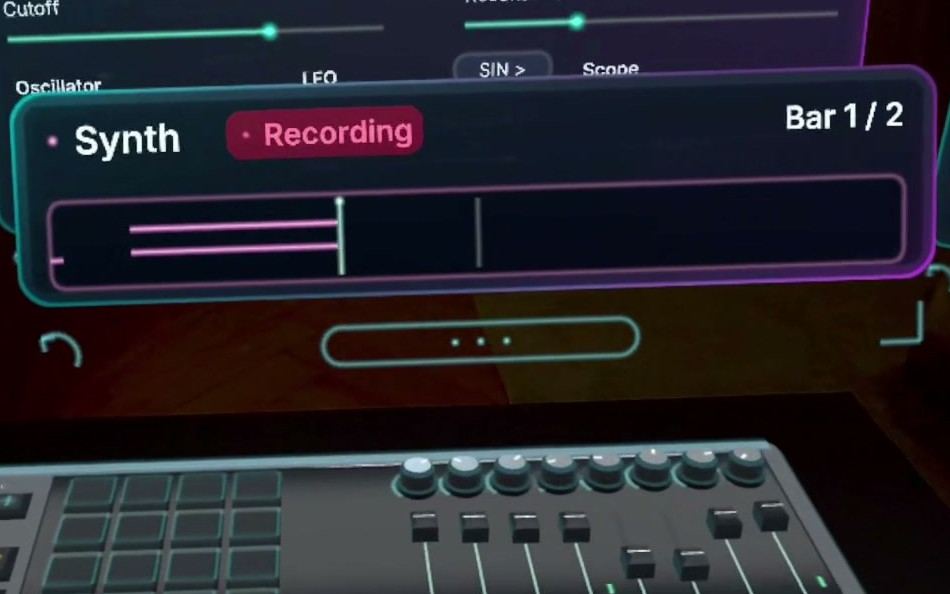
Strike softly or hard and the sound follows your fingers. Recording starts with your first note, in loops of up to 8 bars across drums, bass, keys and synth.
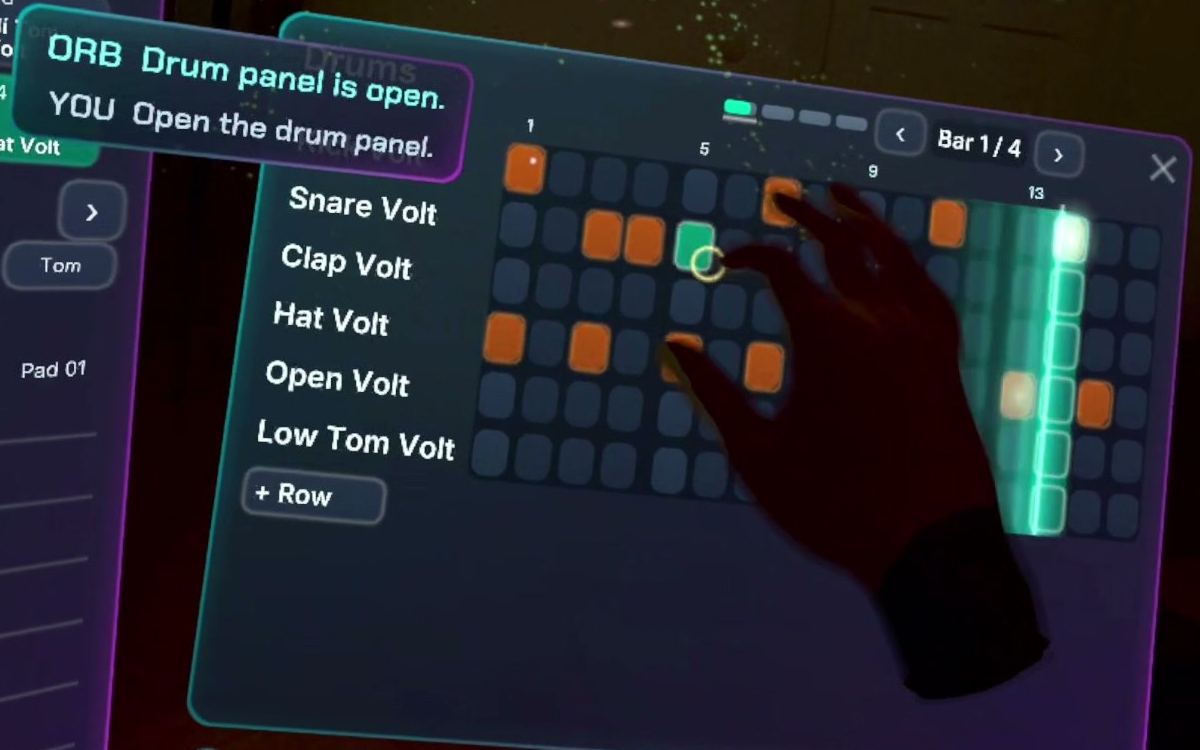
One row per sound, 16 steps per bar. Tap a step, slide to paint a row, hold for an accent, while a running light shows the beat.
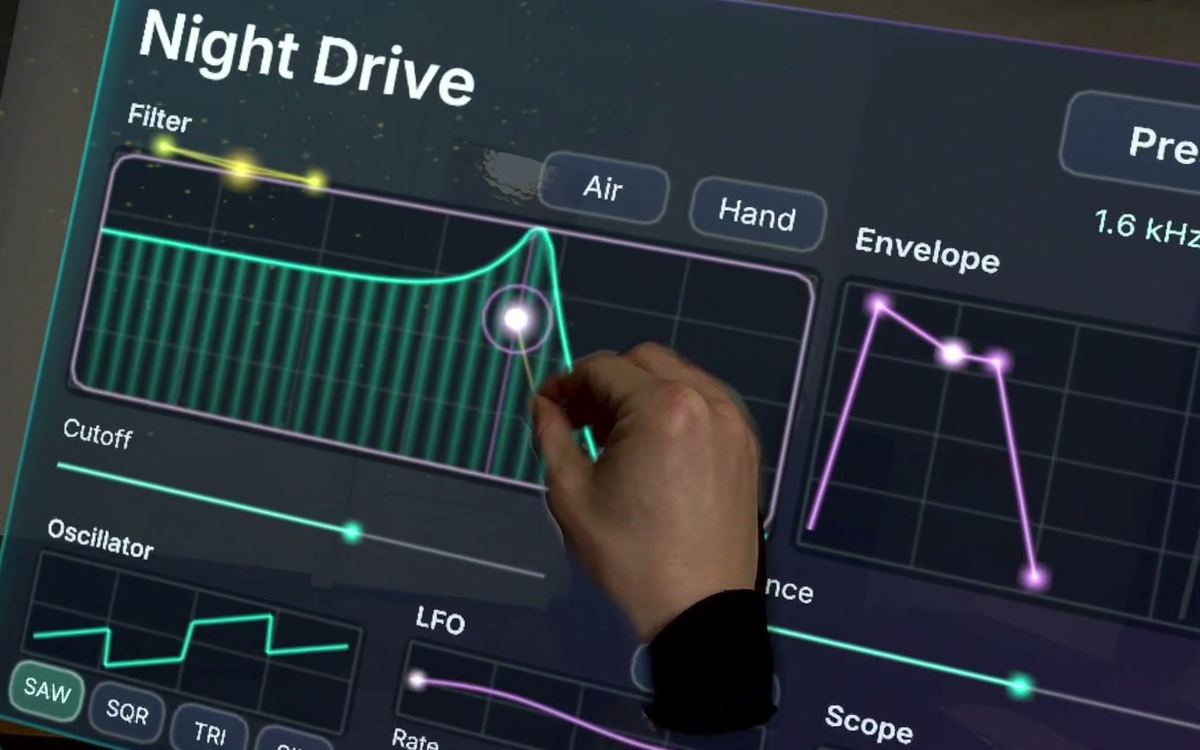
Pick a preset, then drag the filter curve with one hand while the other keeps playing. Envelope, LFO and scope sit on the same panel.
Your AI partner. Pinch it and say what you want, like “make it fit” or “show me the drums”. It acts while you keep playing. The Orb needs internet; playing and recording don't.
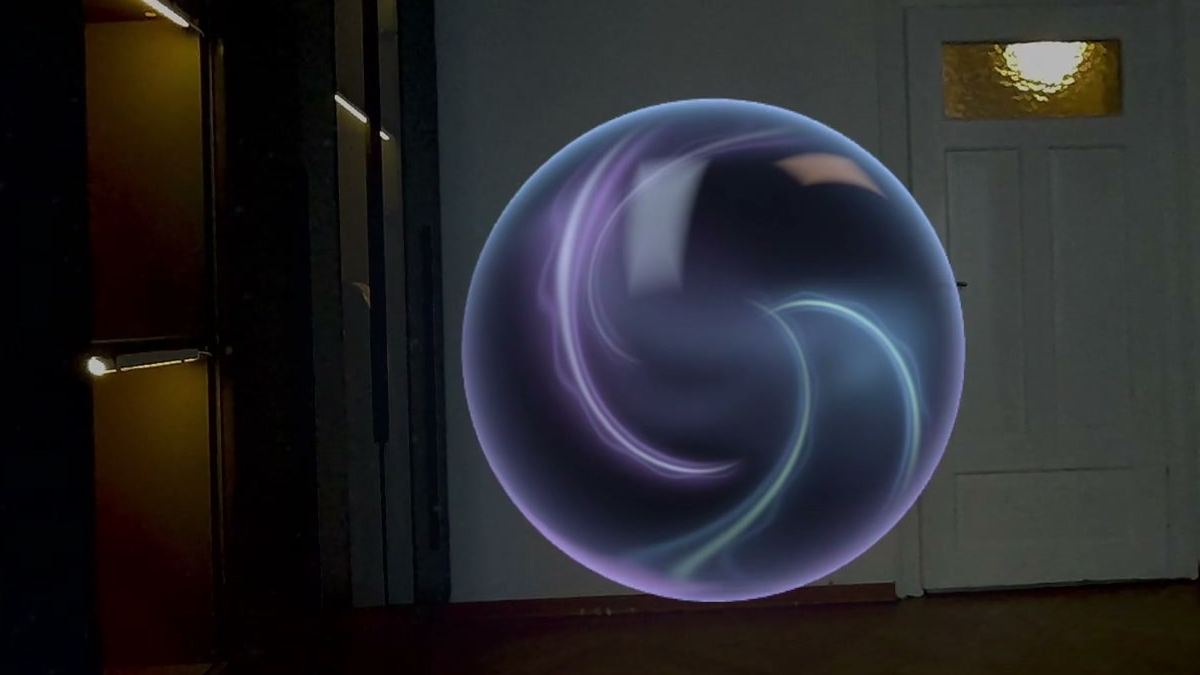
Captured in the headset. The link opens YouTube; nothing from YouTube loads on this page.
Watch on YouTubePut on your Quest at any table or desk. Your hands are tracked, so there's nothing to pair.
The instrument lands in front of you and panels open around it. A short guide shows the first moves.
Tap a beat, play over it and record. Then shape it by hand or ask the Orb.
Loops of up to 8 bars on four tracks: drums, bass, keys and synth.
Song building is what we're developing next, so your loops can grow into more.
Connections to your own MIDI keyboard, PC VR and Ableton. No dates yet.
The whole studio runs on the headset, with hand tracking turned on.
The instrument lands on it. A Space Setup room scan helps but isn't required.
Talking to the Orb needs a connection and your microphone. Playing and recording don't.
AETHER Studio is in development, so this can change before release.
No. AETHER Studio runs on Meta Quest 3 and 3S by itself. You don't need a PC, controllers, a MIDI keyboard or Ableton. It's its own instrument, not a replacement for a desktop music program.
Loops of up to 8 bars on four tracks. Complete songs and export aren't there yet. Song building is what we're developing next.
No. Playing, recording, the drum grid and shaping the synth all work by hand and without internet. A few things, like restyling a groove, currently work only by asking the Orb.
The microphone is requested only when you first wake the Orb. While you talk to it, your voice is sent over the internet to a cloud AI service so it can answer. The Orb's voice is AI-generated.
Not yet. These connections are planned, without dates.
There's no release date or price yet. Join the waitlist and tick "beta" if you'd like to test it early.
Leave your email and we'll tell you when there's something to try. The two questions are optional and help us plan the beta.